Get the bismillah app

bismillah

A writing app that never writes for you.

a short film · 2:15Prompting is not thinking, writing is.

Or scroll, and read it.

بِسْمِ اللَّهِ الرَّحْمَٰنِ الرَّحِيمِ

How will we think?

Who remembers, when the page remembers for us?

Who attends, when the screen holds our eyes?

Who thinks, when the machine writes our words?

Prompting is not thinking, writing is.

I remember. I attend. I think.

A thought I do not write is a thought I never had.

A typewriter, with only the best of the computer

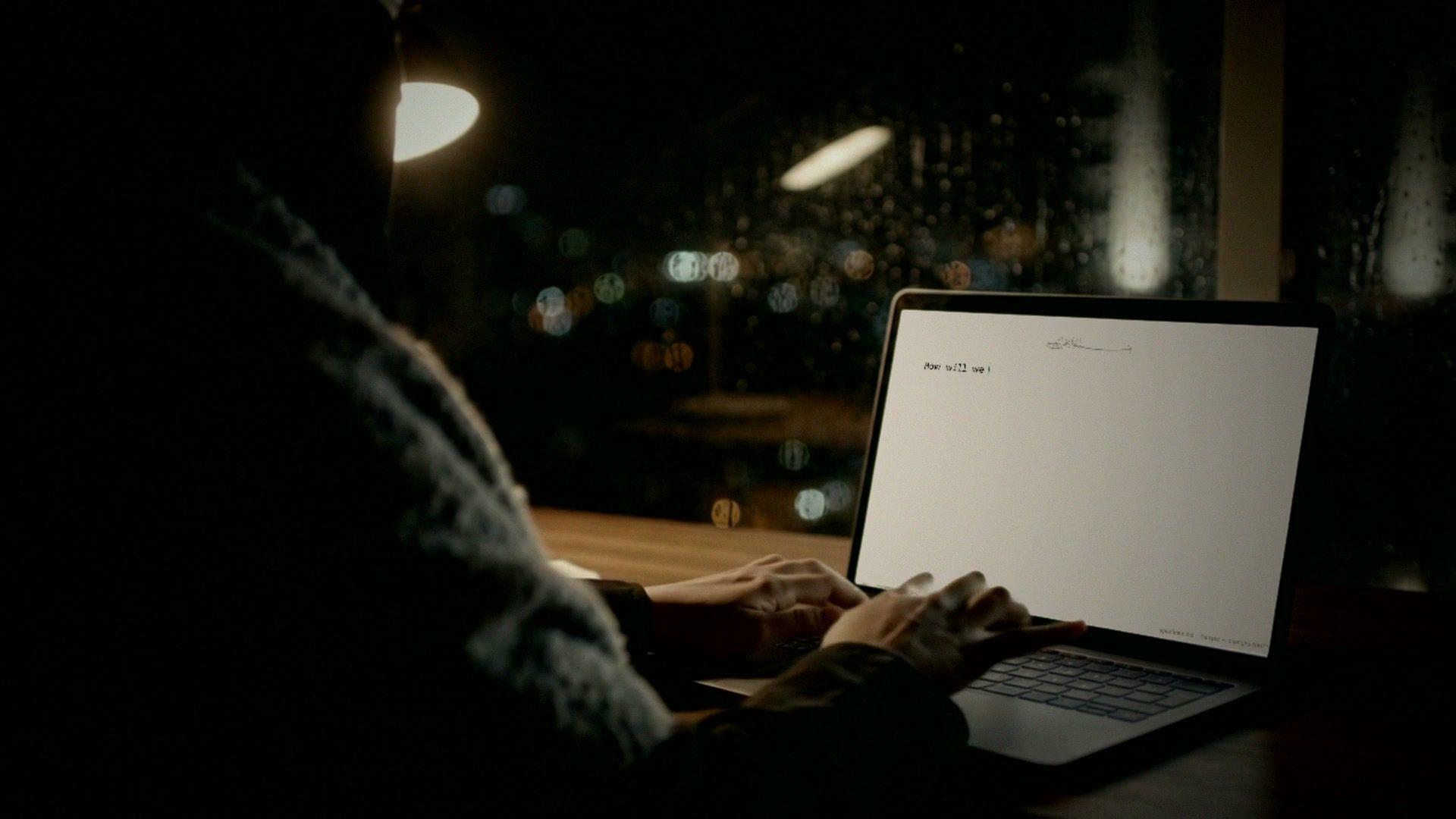
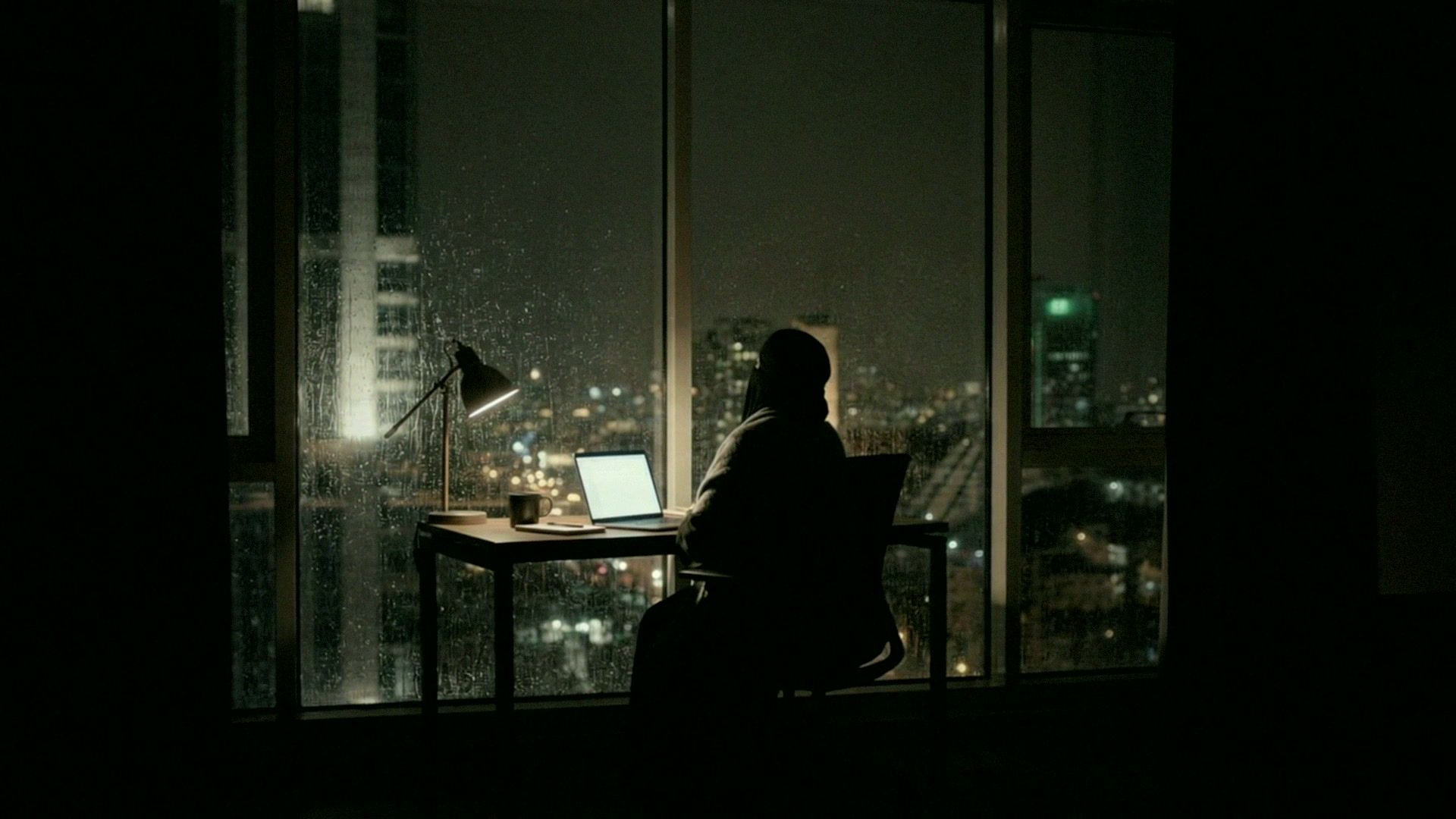
At night, over her shoulder, her eyes on her screen: her page, How will we think? and the lines she wrote under it.
Your own wordsNo AI. Nothing writes for you. Every word is yours.
Her hands still on the keys, her screen in Zuhd mode: the paragraph she is writing in dark ink, the ones around it in grey.
ZuhdThe paragraph you are writing. The rest falls quiet.
Morning light and the shadow of a carved window lattice across her desk; on her screen, al-Fātiḥa: a vocalised Arabic verse set right to left, its transliteration, and a line mixing Arabic and English.
Arabic and EnglishBoth on one page, as equals, every mark kept.
Close on the top of her laptop's screen: she peels away the old scrap of tape that covered its camera.
PrivateYour words are a trust. No internet, no camera, no microphone. No company reads them.
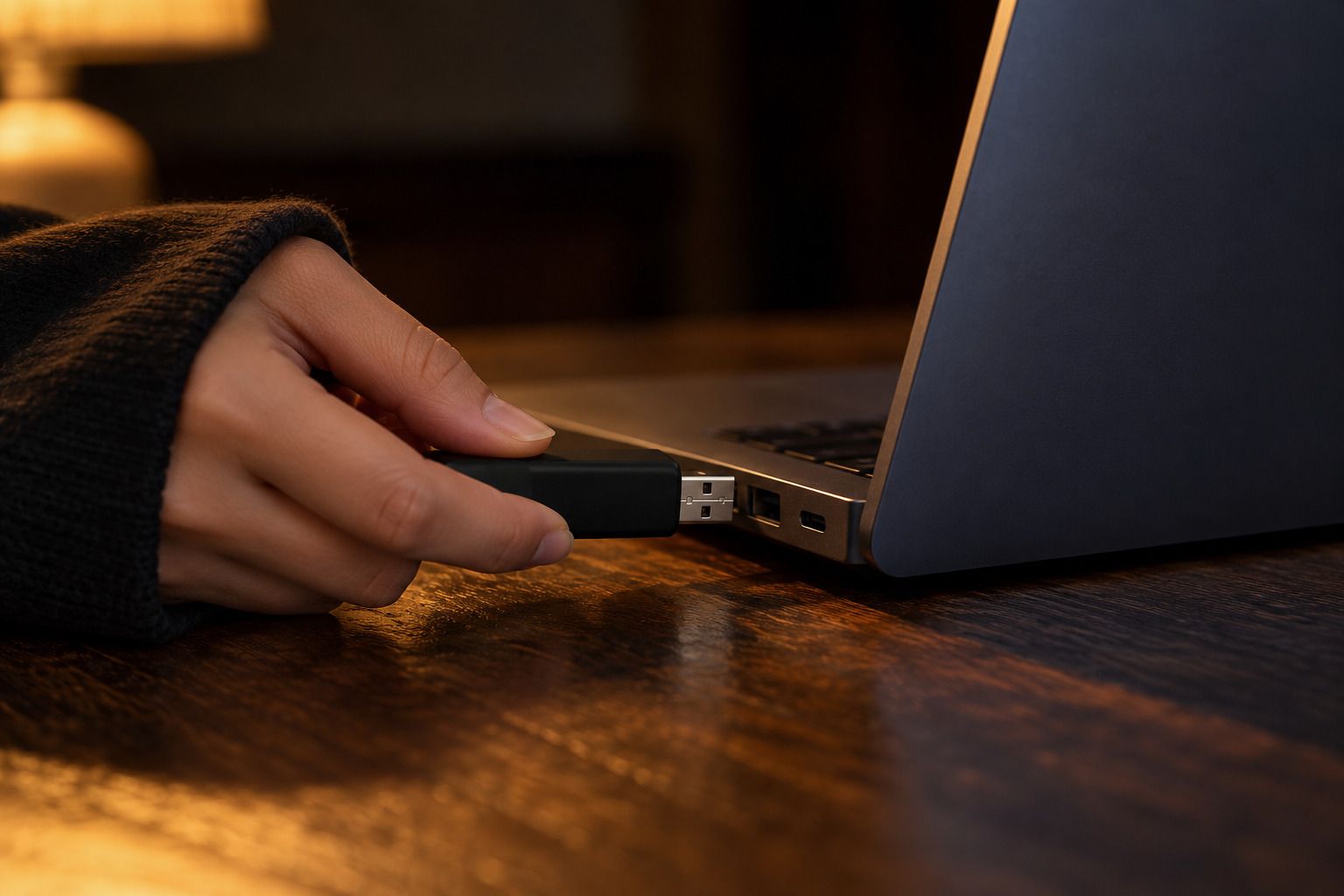
In a public reading room, she pushes her stick into a shared laptop, and her own page is on its screen.
AnywhereYour writing lives on the stick, locked. Any PC laptop becomes yours.

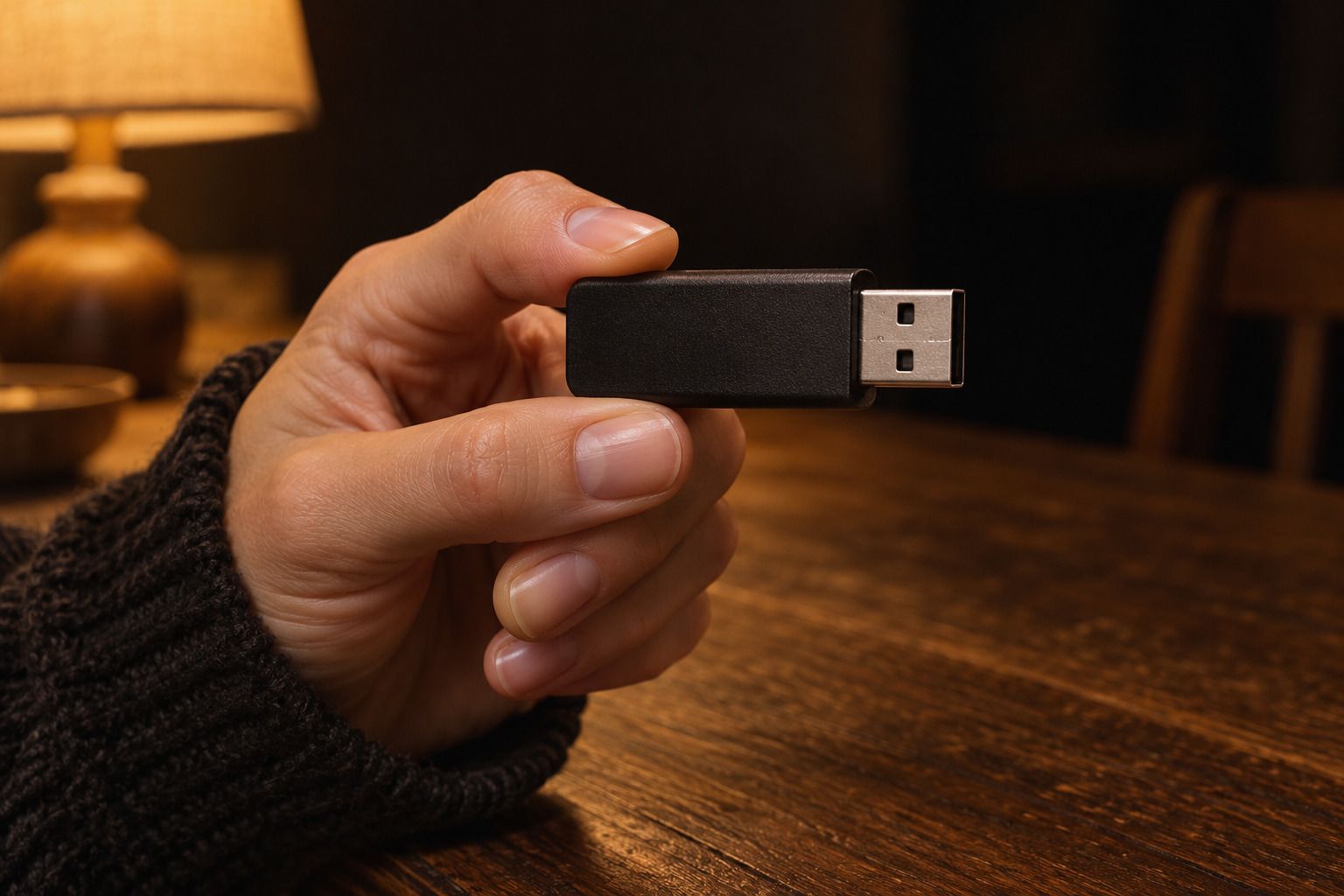
The bismillah stick

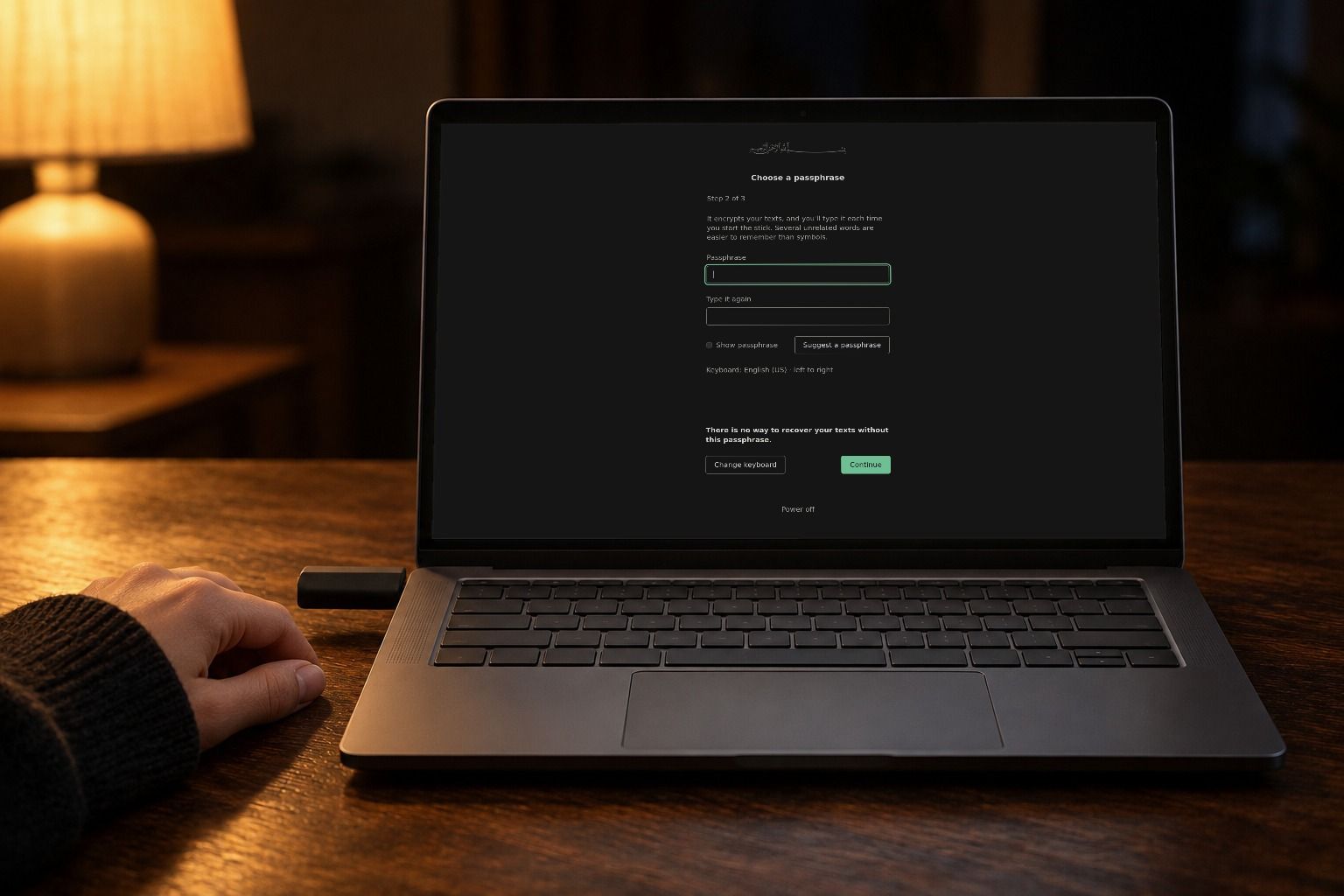
Start a PC laptop from it, and the laptop becomes a typewriter: bismillah, with no internet and no other apps.

It's free, with no account. Your texts are kept encrypted on the stick, and when you take it out, the laptop is as it was.

  1. Get a USB stick

    2 GB or more. Everything on it is erased.

  2. Put bismillah on it with one command

    Open Terminal (Applications › Utilities on a Mac), paste it and press Enter.

    Open PowerShell from the Start menu, paste it and press Enter.

    macOS and Linux

    curl -fsSL https://bismillah-app.pages.dev/install.sh | sh

    Windows

    irm https://bismillah-app.pages.dev/install.ps1 | iex

    Run it again to update a stick; your texts stay.

    About 350 MB, all checked before anything is written.

  3. Start your laptop from the stick

    On a PC laptop, tap its boot-menu key as it starts (F12 on most, Esc or F9 on others) and pick the stick.

macOS and Linux

curl -fsSL https://bismillah-app.pages.dev/install.sh | sh

Windows

irm https://bismillah-app.pages.dev/install.ps1 | iex

Run it again to update a stick; your texts stay.

About 350 MB, all checked before anything is written.

Questions

Will it start on my laptop?

It should, on most PC laptops, though it hasn't been tried on many. Try it.

And on a Mac?

No. A Mac can make the stick, but can't start from it.

Can I use it without the stick?

Not yet.

Is it safe to paste that command?

It writes only to the stick you choose, and only after you type its name back.

Will it touch my files?

No. It never opens the laptop's disks.

Someone finds my stick. Can they read it?

Not without your passphrase.

What if I forget my passphrase?

Your texts are gone. There is no reset.

What if I lose the stick?

Same. It holds the only copy.

How do I get my writing off the stick?

Not easily. The stick can't send or print anything. That's on purpose.

What does it cost?

Nothing, apart from the USB stick.

Is there AI in it?

Nothing that writes. Spelling and grammar checks only suggest, and you accept each change.

These words are mine.